
Spreadsheets everywhere. Numbers with no context. Reports no one opens. That’s the problem CRM reporting solves. It connects data to action and helps small teams stay in control as they grow.
New to CRM and wondering where to start? You’re exactly where you need to be.
Key Takeaways
- CRM reporting turns daily activity into clear, actionable insight.
- Dashboards show live data, while reports help review performance over time.
- Tracking fewer, relevant metrics leads to better decisions.
- Simple, scalable CRM reporting tools work best as businesses grow.
What Is CRM Reporting?
CRM reporting shows you what’s really going on in your business without digging through spreadsheets.
Every sale, call, and follow-up is tracked in your CRM system, then turned into reports and dashboards that show what’s moving, what’s stuck, and where to focus next.
How CRM Reporting Fits into Business Intelligence
You don’t need a data team to understand performance. Reporting inside your CRM brings business intelligence into daily decisions and supports data-informed decision-making.
What Problems Does CRM Reporting Solve?
Without clear reports, teams work blind. Priorities shift. Follow-ups slip.
PRO TIP: Start with free CRM reporting in FLOWii, try it for 30 days at no cost, then continue from just €11 per user.
CRM reporting and analytics show what’s working, what’s stuck, and where action is needed right now.
2 Key Components of CRM Reporting
-
Report Types
Not all reports answer the same question. And that’s the point. CRM reporting includes different report types, each focused on a specific area of the business.
Sales reports show pipeline status and deal progress. Activity reports track calls, emails, and follow-ups. Customer reports highlight behavior, history, and engagement. The table below breaks down each CRM report type, what it shows, and who uses it most.
| CRM Report Type | What It Shows | Who Uses It Most |
| Sales Pipeline Report | Open deals, stages, and expected revenue | Managers, sales teams |
| Activity Report | Calls, emails, meetings, follow-ups | Sales reps, managers |
| Customer Report | Customer history and engagement | Sales, support teams |
| Performance Report | Results by rep or team | Managers |
| Forecast Report | Expected revenue over time | Management |
-
Dashboards vs. Static Reports
Dashboards are for now. Reports are for review.
A sales CRM reporting dashboard updates in real time. It shows live data at a glance and works well for daily check-ins and quick decisions. You open it and immediately know where things stand.
How CRM Reporting Works Step by Step
- Data gets captured automatically. Deals, contacts, emails, calls, meetings, notes, and tasks are saved in your CRM as your team works.
- The CRM organizes the data. It groups information by records like leads, opportunities, customers, and sales reps.
- You choose what to measure. For example: pipeline value, win rate, sales cycle length, follow-up activity, or customer response time.
- Reports pull the right fields and filters. You can filter by time period, owner, stage, source, region, or customer segment.
- Dashboards visualize the results. Charts and tables show trends and current status in one place.
- Updates happen in real time or on a schedule. As data changes, your reports refresh, so you’re not working with old numbers.
- You share and act. Managers review performance, teams spot issues early, and next steps become clear.
Why CRM Reporting Is Essential for Businesses
CRM reporting gives you a clear picture of sales, customers, and marketing performance in one view. It highlights trends, key metrics, and insights that help you act faster and grow with confidence. With FLOWii, you can explore these insights in a simple system and try CRM reporting free for 30 days.
For nonprofits, this means a clear overview of donations, donor activity and fundraising performance in one place.
CRM Reporting Tools and Features to Look For
-
Built-in Dashboards
Dashboards give you instant visibility. Sales performance, pipeline status, and activity updates are always up to date. You open one screen and know where things stand.
-
Custom Report Builders
Every business tracks different metrics. Custom report builders let you choose fields, filters, and views, so reports match how you work, not the other way around.
-
Data Export and Sharing Capabilities
Sometimes data needs to leave the CRM. Easy export and sharing make it simple to send reports to partners, managers, or accountants without extra formatting.
-
Integration with Analytics Platforms
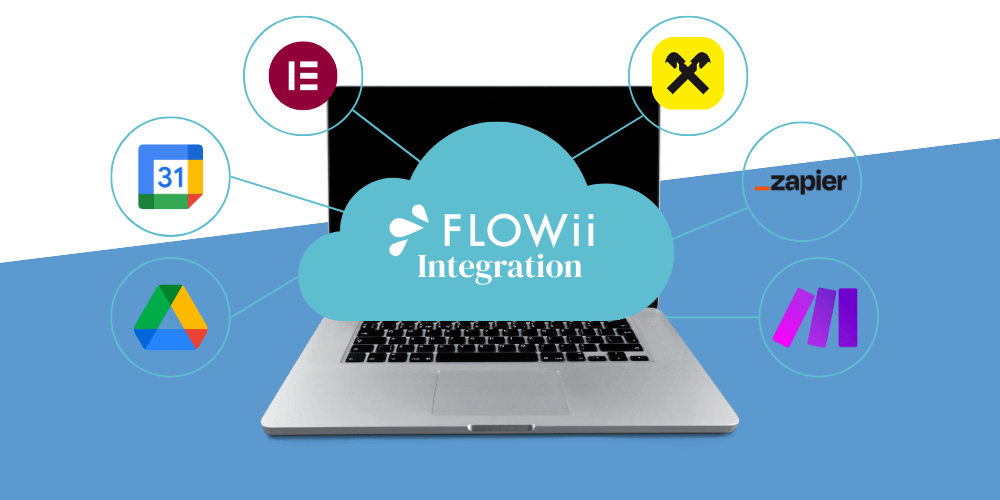
CRM reporting works best when it connects with other tools. Integrations with analytics platforms help combine CRM data with marketing and financial insights for a broader view.
CRM Reporting Examples in Practice
Seeing CRM reporting in action makes it easier to understand its value. Here are three simple examples that show how teams use reports in daily work.
— Sales Pipeline Reporting Example
A sales pipeline report shows where deals stand at any moment. You see how many deals are open, which stage they’re in, and what revenue is expected.
For managers, this answers one key question: Are we on track?
For sales teams, it highlights stalled deals and where follow-ups are needed next.
— Customer Activity and Follow-Up Reporting
This report tracks calls, emails, meetings, and tasks for each customer. You see who was contacted, what’s pending, and what needs action next.
Why does this matter?
Follow-ups stay on time, and customers never feel forgotten.
— Management Overview Report Example
A management overview report summarizes key metrics in one place, including sales results, activity, and customer trends.
One view. Quick checks. Confident decisions.
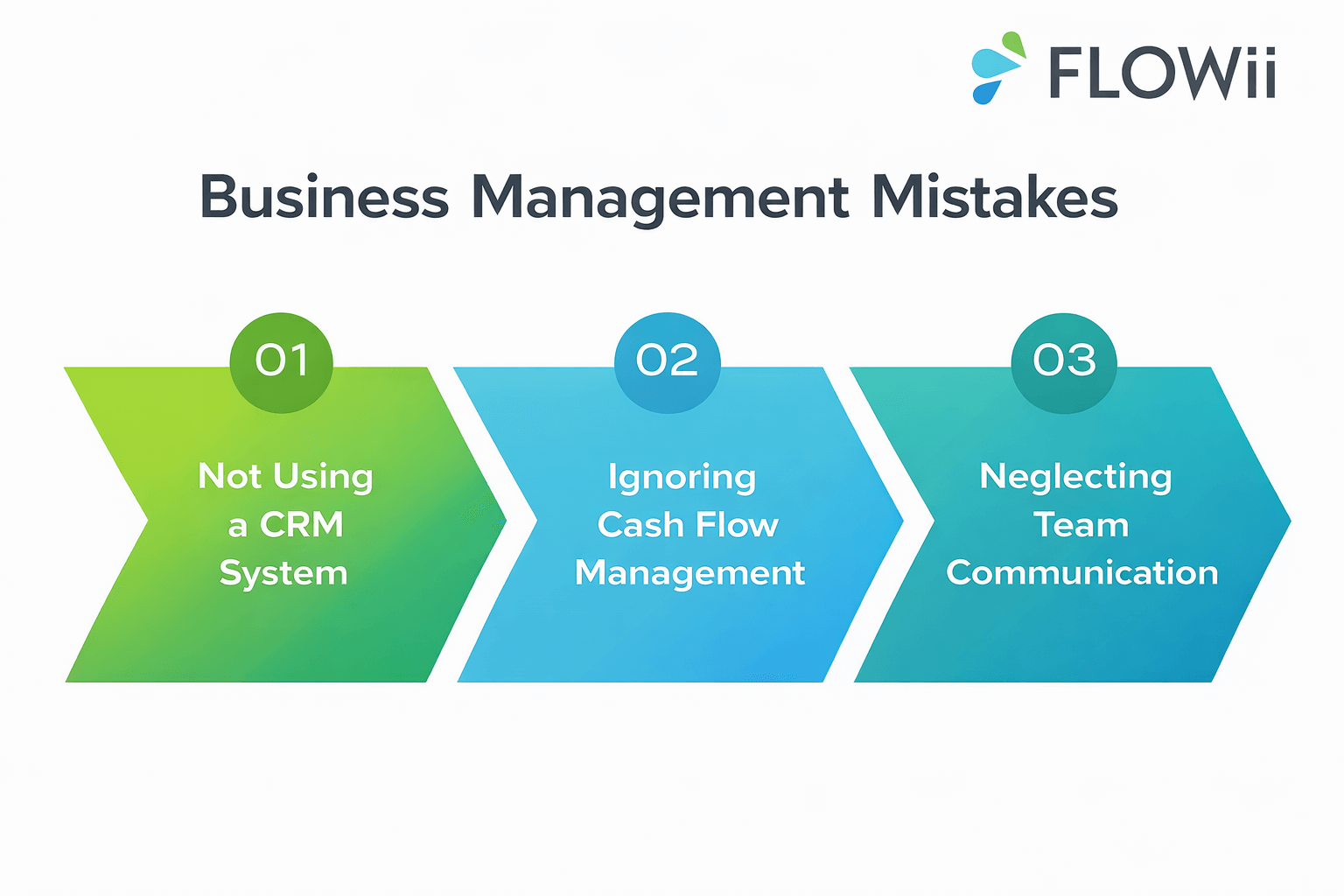
3 Common CRM Reporting Mistakes to Avoid
1. Tracking Too Many Metrics
More data doesn’t mean better insight. When reports track everything, the important signals get lost. Focus on a few metrics that support your goals and ignore the rest.
2. Using Reports Without Clear Goals
A report without a purpose creates noise. If you don’t know what decision a report should support, it won’t help. Start with a question, then build the report around it.
3. Ignoring Data Quality
Reports are only as good as the data behind them. Missing updates, inconsistent entries, or outdated records lead to wrong conclusions. Clean data keeps CRM reporting reliable and useful.
How to Choose the Right CRM Reporting Tool
What Businesses Should Look For
Businesses need clarity, not complexity. The right CRM reporting tool should be easy to set up, simple to use, and flexible enough to scale as teams grow. Clear dashboards, quick report creation, and automatic updates are key to keeping reporting useful and relevant.
Reporting Features That Actually Matter
Not every feature adds value. Focus on realtime dashboards, custom reports, filters, and sharing options. Good CRM reporting software helps you track sales, activity, and customers without overwhelming you with data.
Which CRM Has the Best Reporting Features for Growing Businesses
There’s no one-size-fits-all answer. The best CRM is the one your team actually uses.
Look for clear dashboards, easy report setup, a buil-in time clock app, and real-time updates. Reporting should feel natural, not like extra work. If insights are easy to access and simple to share, you’ve found a CRM that can grow with your business.
To master CRM implementation from strategy to execution, review this detailed guide.
What is the CRM software with the best reporting tools?
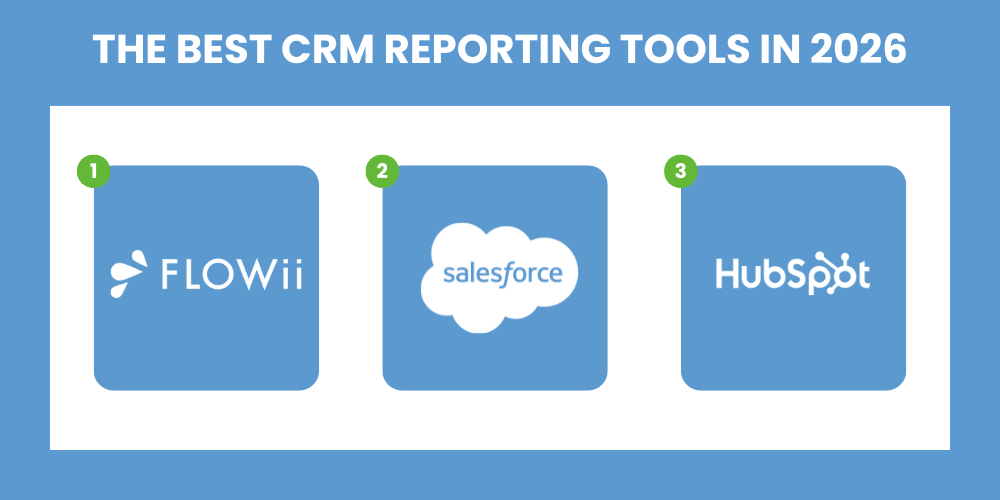
When choosing a CRM with strong reporting features, businesses should look for systems that combine custom reports, real-time dashboards, automation, and analytics. The best CRM system is the one that fits your team’s size, reporting needs, and daily way of working.
| CRM Platform | Reporting Strengths | Best For |
|---|---|---|
| Salesforce | Highly customizable dashboards, advanced analytics, AI-powered insights | Large enterprises and complex workflows |
| HubSpot CRM | Intuitive reporting, combined sales + marketing analytics, strong dashboards | Growing teams and marketing-aligned sales |
| FLOWii | Clear reports, real-time dashboards, and simple automation without complexity | Small and medium businesses that want practical reporting every day |
If you’re comparing CRM prices, take a look at this article to find the best option for your business.
The Future of CRM Reporting Technologies
What will CRM reporting look like in the future? As CRM platforms evolve toward 2025, a major shift is already underway with artificial intelligence becoming a core part of reporting technologies — over 70 % of CRM systems are expected to integrate AI to automate insights and boost productivity.
This means reporting won’t just summarize the past; AI-assisted tools will highlight patterns, predict outcomes, and help teams act on data faster than ever before.
CRM Reports and Reporting FAQs
Why Is CRM Reporting Important for Growing Teams?
As teams grow, visibility drops. CRM reporting keeps sales, activity, and customers visible in one place, so growth doesn’t turn into chaos. It helps teams stay aligned as volume increases.
What CRM Reports Do Managers Use Most Often?
Managers rely on sales pipeline reports, activity reports, and performance summaries. These reports show progress, risks, and workload without digging into raw data.
-
Sales pipeline reports to track open deals, stages, and expected revenue
-
Activity reports to monitor calls, emails, meetings, and follow-ups across the team
-
Performance reports to compare results by sales rep or team
-
Forecast reports to estimate future revenue and spot gaps early
What are the most frequently used CRM reporting data points?
-
Pipeline value
-
Number of open deals
-
Deal stage distribution
-
Win rate (conversion rate)
-
Lost deals and loss reasons
-
Sales cycle length
-
Forecasted revenue
-
Closed revenue
-
Average deal size
-
Sales activity volume (calls, emails, meetings)
-
Follow-up completion rate
-
Lead source performance
-
New leads created
-
Lead-to-deal conversion rate
-
Customer response time
-
Customer interaction history
-
Tasks completed vs overdue
-
Performance by sales rep or team
-
Customer retention rate
-
Upsell and cross-sell opportunities
What Are the Most Useful CRM Reporting Metrics?
Pipeline value, win rate, deal duration, activity volume, and follow-up completion are among the most useful. These metrics connect daily work with results.
What Is the Difference Between CRM Reports and Dashboards?
CRM reports provide detailed information over a selected time period. They are used to review performance, analyze results, and understand trends such as sales outcomes, activity levels, or customer behavior.
CRM dashboards show live data at a glance. They are designed for daily monitoring and quick decisions, displaying key metrics like pipeline status, sales activity, and targets in real time.
How Often Should CRM Reports Be Reviewed?
As a best practice, operational CRM reports such as pipeline status, activities, and follow-ups should be reviewed daily or weekly to catch issues early. Performance and KPI reports are more effective when reviewed weekly or monthly, as they show trends over time. The most important rule is consistency—reports should be reviewed on a regular schedule so insights lead to action, not delays.
Are CRM reporting services useful for small and medium businesses?
What Should You Look for in a CRM Reporting Tool?
Ease of use, clear dashboards, flexible reports, and automatic updates. If reporting feels complicated, it won’t get used.
How can CRM tools help automate sales reporting?
CRM tools automatically collect sales data, update reports in real time, and show results in dashboards, so teams don’t need to create reports manually.
Turn Insight Into Action
CRM reporting gives you clarity. Not more data, just the right view at the right time. When teams know what’s happening, decisions get faster and work stays focused.
With FLOWii, CRM reporting is built into everyday work. Track sales, activity, and customers in one place and act with confidence as your business grows.