15 Small Business Management Tools You’ve Probably Never Heard Of (2026)
Not every great tool is a household name. In 2026, small businesses are quietly winning with smart, lesser-known software that solves real problems without the noise. This guide uncovers those hidden gems that actually move the needle.
Whether you are in legal, finance, or construction, you will find tools designed to support your workflow. Browse our handpicked selection below.
Key takeaways
Niche tools often outperform big brands in specific workflows
Simplicity and integration matter more than feature overload
Affordable software can deliver enterprise-level results
The right stack saves time, not just money
What is small business software?
Small business software is a set of digital tools designed for companies with 1 to 20 employees to manage everyday operations such as invoicing, project management, customer relationships, and basic automation. It is typically simple, affordable, and easy to use without specialized IT support.
Why do you need small business software?
Running everything manually may work at the start, but it quickly costs you time, money, and focus. In an automation-driven world, efficiency is essential to stay competitive.
Minor inefficiencies can significantly impact overall performance. The right software introduces structure and clarity, enabling better organization, informed decision-making, and sustainable growth.
This is not just theory. According to industry data, 78% of small businesses have already invested in SaaS tools, and over 80% use systems like ERP to stay competitive. Businesses are no longer experimenting with software—they rely on it as a core part of daily operations.
15 Small Business Software Solutions for Entrepreneurs and Managers
We’ve uncovered a selection of smart, under-the-radar tools across key categories like CRM & ERP, project management, communication, marketing, HR & hiring, analytics, file management, and operations—all designed to add real value to your business.
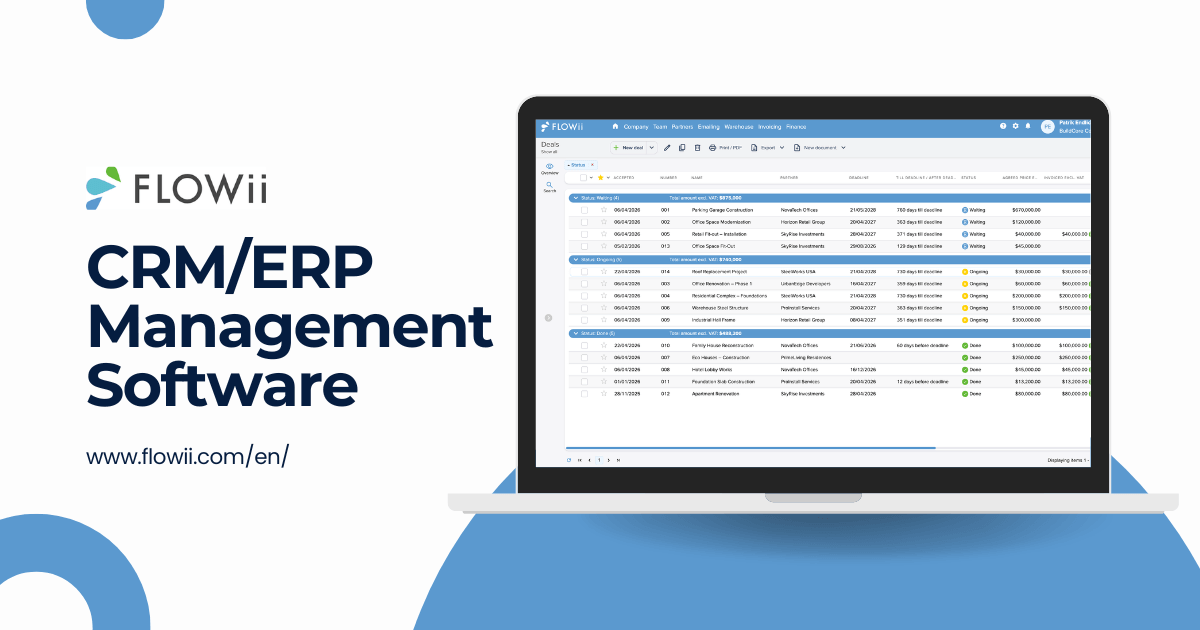
FLOWii is a cloud-based business management platform for small and medium-sized businesses that want simplicity and control. It brings all key processes into one system, removing the need for multiple tools and giving you a clear overview of your business.
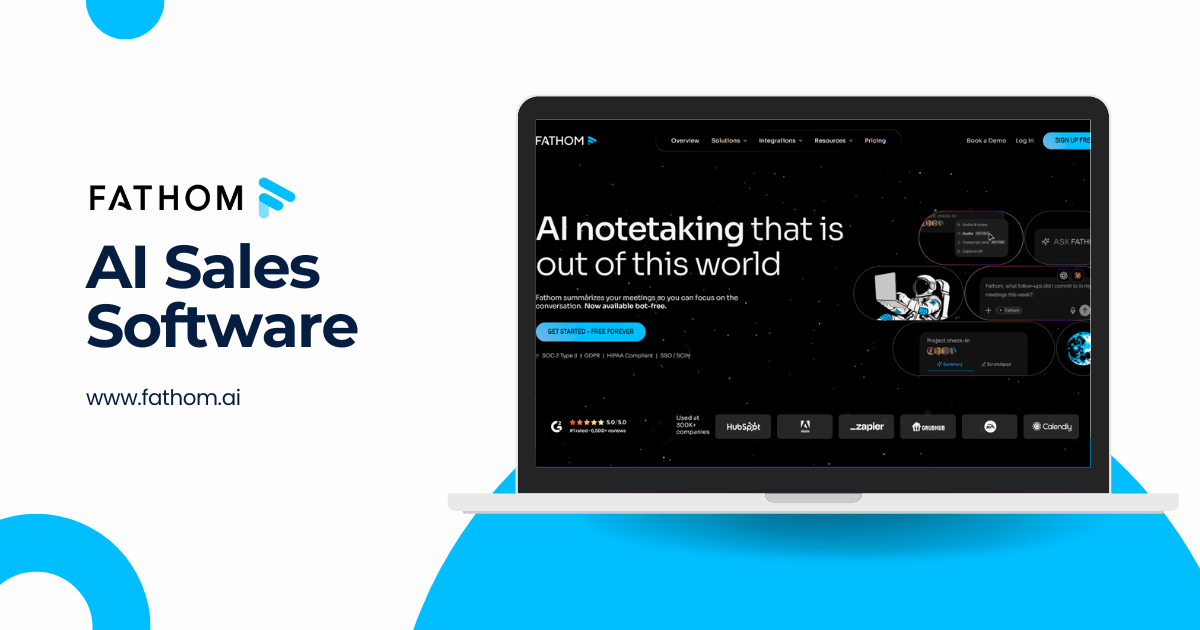
Fathom is a cloud-based AI meeting assistant designed for professionals and teams who run on calls. It automatically records, transcribes, and summarizes meetings across Zoom, Google Meet, and Microsoft Teams — turning conversations into structured action items, key decisions, and CRM-ready insights the moment a call ends, with zero manual note-taking required.
Key benefits
Instant, highly accurate meeting summaries and action items delivered right after calls
Unlimited recordings and transcriptions with no usage caps, even on the free plan
Native CRM sync with Salesforce and HubSpot — no manual data entry or cleanup
Pricing
1. Free Plan
Unlimited recordings, word-perfect transcriptions, and instant AI summaries — no usage limits for individuals.
Start from approx. $19–$29/user/month, depending on features (CRM sync, AI Scorecards, Deal View, coaching tools, etc.)
Best for
Sales teams, account executives, founders, recruiters, and any professional or small-to-medium business that relies on meetings to drive decisions and close deals.
CloudTalk is a cloud-based call center platform for sales and support teams, combining AI voice tools, smart dialers, analytics, and CRM integrations to handle calls more efficiently.
Key benefits
AI Voice Agent handles inbound and outbound calls autonomously in 60+ languages, 24/7
Power Dialer and Smart Dialer automate outbound calling for sales teams
Real-time call transcription, AI summaries, and sentiment analysis after every call
160+ country coverage with local phone numbers for international teams
100+ integrations including HubSpot, Salesforce, Pipedrive, and Zendesk
Pricing
CloudTalk offers transparent per-user pricing with a 14-day free trial on all plans (no credit card required).
2. Essential - $29/user/month Adds IVR, skill-based routing, SMS/MMS, integrations, and open API access.
3. Expert - $49/user/month Adds Power Dialer, Smart Dialer, WhatsApp messaging, call monitoring, and SSO. Minimum 3 users.
4. Custom - pricing on request
Best for
Sales teams, customer support departments, SaaS companies, e-commerce businesses, and any small to mid-sized business that relies on phone communication to close deals or support customers.
KrispCall is an AI-powered contact center for small businesses and remote teams, combining calls, SMS, voicemail, and CRM tools into one simple platform.
Key benefits
Virtual phone numbers in 100+ countries for local and global presence
Unified Callbox consolidates calls, SMS, and voicemails in one place
AI Copilot auto-transcribes calls, generates summaries, and flags action items
Power Dialer automates outbound call queues and eliminates manual dialing
Pricing
1. Essential — $15/user/month Core calling, SMS, IVR, and CRM integrations for small teams getting started.
2. Standard — $40/user/month Advanced features including Power Dialer, AI Copilot, call monitoring, and analytics. Includes a free trial.
3. Enterprise — Custom pricing Tailored for larger teams with custom integrations, dedicated support, and SLA guarantees.
Best for
Startups, SMBs, sales teams, customer support teams, remote and distributed teams, and businesses that need affordable, scalable cloud calling with global reach.
5. Slicktext - SMS Marketing & Text Automation Software
SlickText is an SMS marketing tool that helps businesses engage customers with personalized texts, automation, and two-way messaging to drive conversions and support.
Key benefits
Mass texting: Send targeted, timely messages
Automation: Guide customers through the journey
Shared inbox: Manage conversations and respond faster
Analytics: Track performance and improve decisions
Pricing
Free trial: 14-day access to test all features 1. Paid plans: Start from $29/month 2. Enterprise: Custom pricing for advanced needs
Best for
Small businesses looking for a reliable way to connect with their customers and grow their business through texting.
Vaizle is an AI marketing analytics tool that turns ad data into clear insights and recommendations. It reveals why performance changes, helping teams make faster, smarter decisions.
Key benefits
Converts complex marketing data into clear answers and next steps
ScreeningHive is a one-way video interview platform that helps businesses screen candidates faster with recorded responses and structured evaluations.
Key benefits
Simplifies pre-screening with one-way video and text questions
Reduces phone-screening time and scheduling delays
Supports bulk candidate invitations, structured feedback, and team collaboration
Gives candidates a mobile-friendly interview experience with no app download
Pricing
Free plan available with 1 user and 5 interviews
1. Starter plan starts at $19/month for 5 users and 50 interviews
2. Team plan starts at $49/month for 10 users and 150 interviews
3. Enterprise plan starts at $99/month with unlimited users and 500 interviews
Best for
Small businesses, startups, HR teams, recruiters, staffing agencies, and hiring managers that want to screen candidates faster before scheduling live interviews.
Marketing teams, creative agencies, and organisations that need secure, branded file sharing and structured digital asset management without per-user pricing complexity.
Fax.xyz is an online fax service that replaces traditional machines with a simple, secure digital tool. Upload, send, and manage faxes without hardware or extra steps.
Key benefits
Simple workflow: Smooth, hassle-free faxing from start to finish
Secure: Enterprise-grade encryption with HIPAA-ready support
Easy to use: Clean interface with no learning curve
Quick setup: Send and receive faxes instantly without complexity
Pricing
Fax.xyz offers two simple paid plans designed to fit different faxing needs.
1. Basic – $8.33/month: 200 pages/month, apps on all devices
2. Plus – $16.67/month: 500 pages, dedicated number, HIPAA support
Best for
Individuals and small to mid-sized teams needing a simple, reliable digital fax solution.
TestTrick is an online assessment platform that helps small businesses screen candidates faster with tests, video interviews, and AI-powered evaluation.
Key benefits
Screen candidates faster and reduce time spent reviewing resumes.
Use ready-made skill, cognitive, psychometric, coding, and role-specific tests.
Evaluate open-ended and video responses with AI-assisted scoring rubrics.
Protect test integrity with proctoring features such as camera snapshots, screen tracking, tab-switch monitoring, and copy/paste controls.
Pricing
7-day free trial available with access to all features and 5 candidate invites.
Paid plans start from $49/month. Annual plans and custom packages are available based on candidate credits and team size. One completed candidate assessment uses one credit, even when multiple tests are included in the same assessment.
Best for
Small and medium-sized businesses, recruitment agencies, HR teams, and startups that want to screen candidates faster and make better hiring decisions using skills-based assessments.
Uteach is an all-in-one platform for creators, coaches, academies, and businesses looking to streamline employee training. Uteach provides a centralized hub to build, manage, and automate your entire academy.
Key benefits
Opportunities to scale without limits.
It is fully white-label so that you can control the brand experience.
Integrations with local payment gateways.
Pricing
1. Launch -$45/month Grow - $79/month
2. Academy -$249/month
3. Corporate - Contact sales
Best for
Individual creators looking to monetize their expertise, as well as organizations looking to automate employee training and onboarding.
13. Nakivo - Data Protection or Cybersecurity Software
NAKIVO Backup & Replication for MSPs is a data protection platform that lets providers manage backup, recovery, and ransomware protection across clients from one centralized system.
Key benefits
Multi-tenant architecture for managing all clients from one dashboard
Granular role-based access and per-tenant billing and reporting
Fast, reliable backup and recovery across VMware, Hyper-V, Nutanix, AWS, Microsoft 365, and more
Built-in ransomware protection with immutable backups and air-gapped storage support
White-label ready with MSP-friendly licensing and automation capabilities
Pricing
A free trial is available.
1. Flexible pricing: Per-workload, pay-as-you-go model 2. Starting price: From ~$1.95–$2.50/workload/month 3. Scalable: Volume discounts for MSP partners
Best for
IT managed service providers, cloud service providers, and resellers delivering backup-as-a-service (BaaS) or disaster-recovery-as-a-service (DRaaS) to SMBs and mid-market clients.
ClinicSense is a cloud-based clinic management tool for small practices, handling booking, scheduling, billing, and client communication in one simple platform.
Key benefits
Online booking with smart scheduling rules to reduce no-shows and fill last-minute gaps
Customizable SOAP notes and charting templates for faster, compliant documentation
Automated reminders, intake forms, and follow-ups to improve client experience
Built-in billing, payments, and financial tracking for better cash flow visibility
Pricing
Free 14-day trial available (no credit card required)
1. Lite Plan $39/month: For part-time use. Includes booking, notes, forms, and email reminders.
2. Standard Plan $69/month: For full-time clinics. Adds higher limits, SMS reminders, No-Show Guard®, and marketing tools.
Best for
Massage therapists, physiotherapists, chiropractors, acupuncturists, and other solo or small healthcare practitioners.
How do I choose the right software for my specific business needs?
Choosing the right small business tool is not about trends. It is about fit. Focus on your needs and ask the right questions before making a decision.
What specific problems do I need this software to solve?
Does it fit my current workflow or will it complicate it?
Can it scale as my business grows?
How easy is it to use for me and my team?
Does it integrate with the tools I already use?
Is the pricing sustainable for my budget long term?
Once you’ve answered these questions, take the next step and research your options. Check user reviews, compare pricing plans, see if a demo is available, and evaluate the quality of customer support. Specialized comparison guides can speed this up — for example, retailers and e-commerce businesses can compare retail pricing software options the same way before committing to a tool.
Tip: Before committing to an annual plan, start with a monthly subscription. Test all key features and make sure the software truly fits your needs before locking in long-term.
What features should small business management software include?
The right software should do more than just add features, it should actively remove friction from your daily work. Look for tools that simplify operations, give you clear visibility, and quietly support your growth behind the scenes.
Category
Main features
Additional features
Project & Task Management
Task tracking, deadlines, team collaboration
Time tracking, workload planning
Finance & Invoicing
Invoices, expense tracking, payments
Budgeting, tax reports, multi-currency
CRM (Customer Management)
Contact management, sales pipeline
Email tracking, customer history
Automation
Workflow automation, reminders
AI suggestions, recurring tasks
Reporting & Analytics
Dashboards, performance reports
Forecasting, custom reports
Integrations
Connect with tools (email, accounting, etc.)
API access, custom integrations
Usability & Access
Easy interface, cloud access
Mobile app, user permissions
What are the most common mistakes when choosing business software?
These insights come from real SaaS businesses, shared by Dávid Fačko.
Choosing based on popularity, not fit Just because a tool is well-known doesn’t mean it works for your business. I’ve seen teams struggle with “top-rated” software simply because it didn’t match how they actually work.
Paying for features you’ll never use It’s easy to get sold on long feature lists. In reality, most small businesses use only 20–30% of what they pay for.
Ignoring ease of use If your team needs weeks to learn the system, they won’t use it properly. Simple tools often win in the long run.
Skipping the trial phase Jumping straight into annual plans is a mistake. I’ve learned that testing a tool in real conditions reveals issues you won’t see in demos.
Not thinking about integrations A tool that doesn’t connect with your existing stack creates more work, not less.
Underestimating onboarding and support Good support can save hours of frustration. Bad support can stop your operations.
Choosing for today, not for growth What works now might not work in 6–12 months. Scalability matters more than you think.
Focusing only on price Cheap software can become expensive if it slows you down or lacks key features. Value always beats price.
Conclusion
The best software is not the most popular—it’s the one that fits your business and helps you move faster with less effort. As you grow, your tools should grow with you, simplifying your work, not complicating it.
We’ll keep updating this list with more hidden gems, so you can always find smarter ways to run and scale your business.
Ready to see it in action? Schedule a demo with our team and discover how FLOWii can simplify and accelerate your business.
FAQ
Is it better to use one all-in-one tool or multiple specialized tools?
For most small businesses, an all-in-one tool is the smarter choice. It reduces complexity, keeps your data in one place, and saves time on integrations and switching between apps.
Specialized tools make sense only when you have advanced needs in a specific area. Otherwise, a well-chosen all-in-one platform will give you better efficiency, lower costs, and easier scaling.
How much should small business software realistically cost?
For most small businesses, software costs typically range from $5 to $15 per month for basic tools, and around $20 to $210 per user/month for more advanced platforms, according to Capterra.
If you look at the bigger picture, many small businesses spend about 2–7% of their revenue on software, which can translate to hundreds to a few thousand dollars monthly, depending on size and complexity.
In practice, start small with essential tools, then scale your stack as your business grows.
How easy is it to integrate with other tools I already use?
Most modern business tools are built to integrate easily with apps like email, accounting, or marketing platforms. In many cases, you can connect them in a few clicks using native integrations or tools like Zapier.
Always check integrations before choosing. For example, you can review CRM integrations to see if the software connects your tools and syncs data automatically, helping you avoid manual work and keep everything in one place.
Do I need cloud-based software or a desktop solution?
For most small businesses, cloud-based software is the better choice. It offers remote access, automatic updates, and easier collaboration without IT maintenance.
Desktop solutions make sense only for specific cases like strict data control or offline use, but they are less flexible for growing teams.
How long does it take to implement and learn new software?
Most small business tools can be set up within a few hours to a few days, with teams typically becoming comfortable in 2–4 weeks. Simpler tools are adopted quickly, while more complex systems may take longer. Choosing intuitive software with strong support can significantly speed up the process.
Patrik Endlicher
Co-owner FLOWii
Patrik Endlicher is the co-owner of FLOWii, a system that makes it easier to manage small and medium-sized businesses globally.