As work tasks keep increasing, employees communicate across multiple platforms, deadlines shift, and it becomes harder to stay in control. This is exactly where project management software comes into play.
Are you losing track of your projects? We know the feeling.
Modern project management tools help companies of all sizes stay organized, coordinate teams, and track progress and budgets – without spending hours in spreadsheets or lengthy meetings.
Key takeaways
- Project management software helps teams organize tasks, deadlines, and communication in one place.
- The best tool depends on your team size, workflow, and required features.
- Almost every modern company uses project management software, and this trend continues to grow in 2026.
- FLOWii is a strong choice for SMBs combining project management, CRM, and business tools.
Find the Project Management Tools That Match Your Real Needs
Everyone has a different way of managing projects. Online project management software allows teams to manage tasks, timelines, and collaboration from anywhere in the world. Before you use any of them, ask yourself a few important questions, so you can choose the best project management software that can solve your real needs.
- What features do they offer?
- Who are they designed for?
- What is their main value?
- How do users rate them?
- What is their price?
- Do they offer a free trial?
- Are they suitable for the segment you operate in?
What Is Project Management Software and How Does It Work?
Project management software is a tool that helps teams to plan, organize, and manage tasks, resources, budgets, and time across industries such as IT, marketing, and construction. Modern online project management tools keep all key information in one place, enabling better collaboration, progress tracking, and deadlines.
Construction project management is a good practical example. Without online project management programs, communication between site managers, subcontractors, and employees relies on emails, calls, and spreadsheets, often leading to delays and unclear responsibilities.
By using project management software, all project phases, documentation, timelines, and responsibilities are centralized, so every team member knows what needs to be done and when — significantly reducing errors and delays.
TOP Project Management Software Recommendations in 2026
What are the best software for project management? Below you will find a detailed comparison.
| Project Management Software | Target Audience | Best Value | Reviews (Google) | Trial Period | Price per Month (per User/Team) |
| FLOWii | SMBs & Business Owners | All-in-One Business Suite | 4.9/5 | 30 days free | $8.20 – $31.00 |
| Freelo | Small Teams & Agencies | Simple Task & Budget Tracking | 3.6/5 | 14 days free | $43.00 – Custom |
| Trello | Startups & Small Teams | Visual Kanban Simplicity | 4.2/5 | 14 days free | $5.00 – $17.50 |
| ProofHub | Growing Teams & Agencies | Flat Pricing, No Per-User Fees | 4.4/5 | 14 days free | $45.00 – $89.00 |
| Basecamp | Remote Teams & SMBs | Fixed Pricing Model | 4.7/5 | 60 days free | Hidden prices |
| Teamwork | Agencies & Client Teams | Client & Billing Integration | 3.4/5 | 30 days free | $16.50 – $30.50 |
| Nifty | Product & Remote Teams | Roadmap + Task Integration | 3.3/5 | 14 days free | $49.00 – $499.00 |
| Wrike | Enterprises & Large Teams | Advanced Workflow Automation | 4.4/5 | 14 days free | $10.00 – Custom |
| ClickUp | Cross-Functional Teams | Highly Customizable Features | 4.1/5 | 14 days free | $10.00 – Custom |
| Asana | Business & Marketing Teams | Structured Workflow Management | 4.2/5 | – | $13.49 – $30.49 |
| Jira | Developers & IT Teams | Powerful Agile & Dev Tools | 3.7/5 | 30 days free | $9.5 – Custom |
| Hubstaff | Remote Teams & Managers | Built-in Time Tracking | 3.7/5 | 14 days free | $5.00 – Custom |
| Monday | Operations & Project Teams | Flexible Workflow Customization | 4.8/5 | 14 days free | $14.50 – $28.50 |
| Productive | Agencies & Professional Services | Project, Resource & Budget Management | 3.0/5 | 14 days free | $12.00 – $29.00 |
1. FLOWii
FLOWii is a project management software designed for sole traders, small businesses and medium-sized companies. It enables strategic task planning, deadline tracking, responsibility assignment and real-time evaluation of team performance. The system is integrated with CRM, invoicing, attendance tracking, and inventory management, ensuring efficient management of the entire company from a single platform.
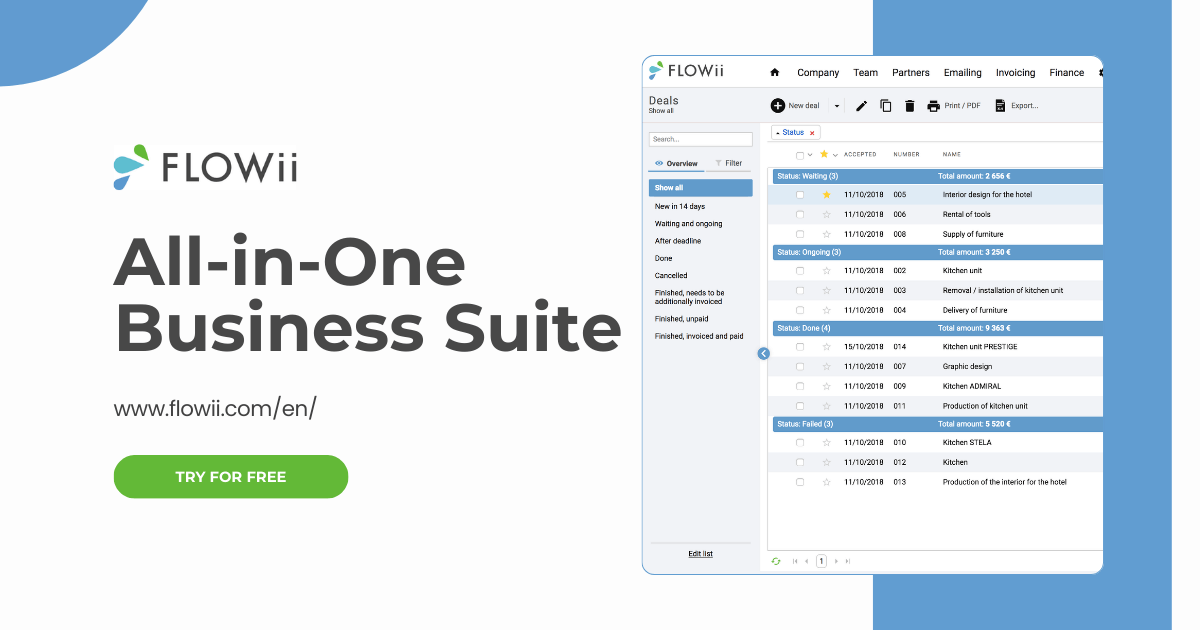
Top FLOWii Features
- Project and job management
- Task management with responsibility assignment and notifications
- Group chats within records
- Income and expense tracking
- CRM and ERP system
- Online invoicing and document storage
- Attendance and inventory management system
FLOWii Pros and Cons
+ Easy to use
+ Quick implementation without IT expertise
+ Comprehensive functionality (financial and sales overview of projects)
+ Competitive pricing
− Not suitable for large companies or corporations
− Lacks support for agile methodologies (Scrum)
FLOWii Target Audience
The ideal FLOWii customer is a small to medium-sized business owner or manager (up to 20 employees) who wants to manage projects, tasks, invoicing, and teams in one system. It is especially popular in services, consulting, construction, manufacturing, and product-based companies.
2. Freelo
Freelo is a project management program designed for small and medium-sized businesses that want to keep tasks, deadlines and team communication under control. It is especially popular for its clarity and support for freelancers, agencies and small internal teams. The system emphasizes practicality, helping organize work while also providing visibility into what the team is working on.
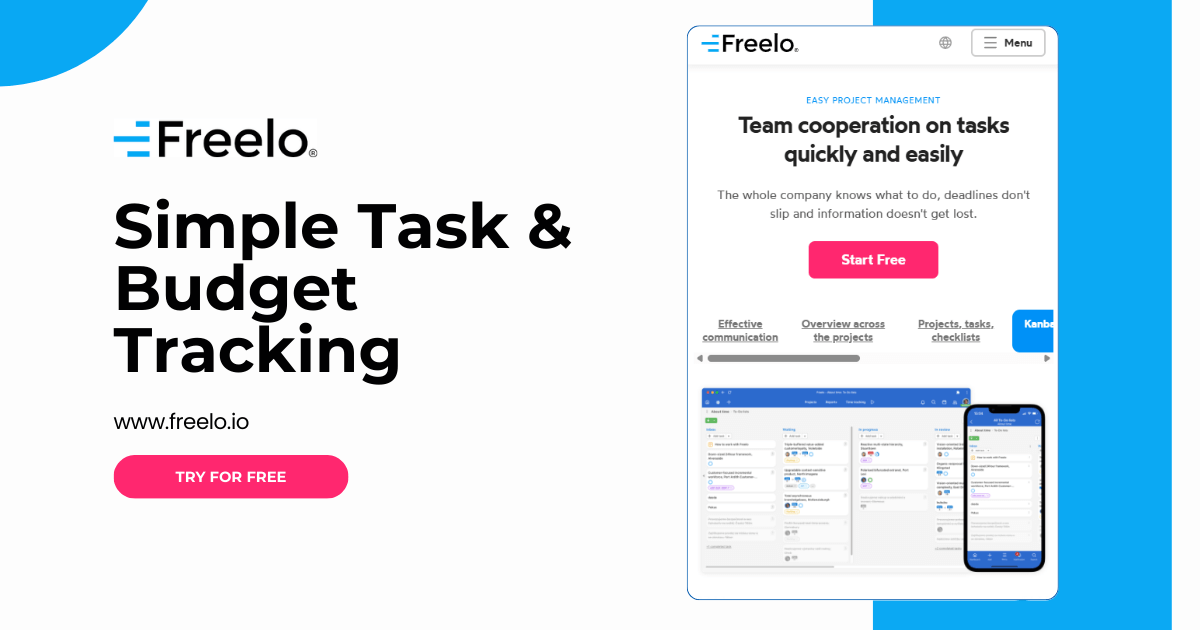
Top Freelo Features
- Task management through projects and to-do lists
- Time tracking and work reports
- Team communication via chat
- File sharing and clear notifications
- Exports, overviews and integrations with tools (Gmail, Google Calendar, etc.)
Freelo Pros and Cons
+ User-friendly interface in many languages
+ Suitable for small teams, agencies, and sole traders
+ Simple features such as task tracking
− Less suitable for large teams or corporations
− Lacks financial and invoicing features
Freelo Target Audience
Freelo is ideal for freelancers, small teams, marketing agencies, designers, developers, accountants and consultants who want to manage tasks, client communication, and time tracking in one place. It is best suited for companies with up to 15 employees that prefer a simple, localized solution.
3. Trello
Trello is a simple and intuitive project management tool based on online Kanban boards. Tasks are organized as cards that move between columns based on their status, allowing teams to quickly see what is in progress and what has been completed. It is ideal for teams that want a clear, visual overview of their entire project.
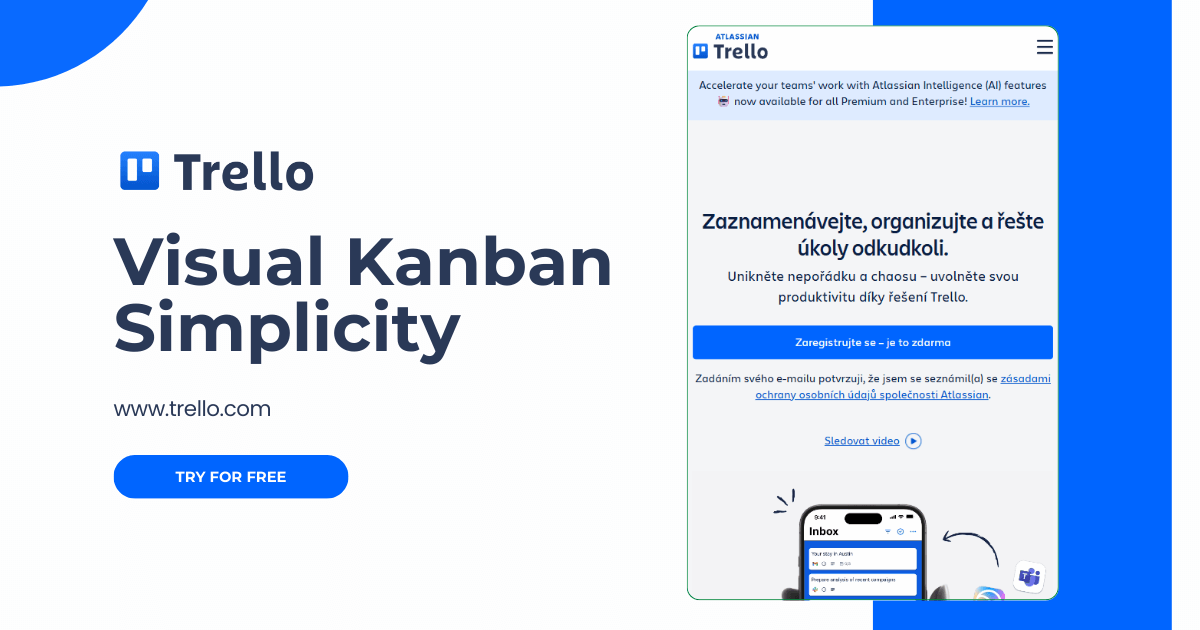
Top Trello Features
- Kanban boards for visual task and project management
- Comments and team communication
- Project sharing with team members or external partners
- Reminders, labels, and task due dates
- Integration options with other tools (Slack, Google Drive, Jira, etc.)
- Task automation capabilities
Trello Pros and Cons
+ Free version sufficient for small teams
+ Mobile and desktop applications available
+ Intuitive and highly visual interface
− Advanced features are available only through add-on integrations
− Limited options for complex and large projects
− Weak reporting (no financial or invoicing features)
Trello Target Audience
Trello is suitable for individuals, small teams and startups in areas such as marketing, content, HR, or administration. It is ideal for those who want to plan tasks visually and simply, without complex setup.
4. ProofHub
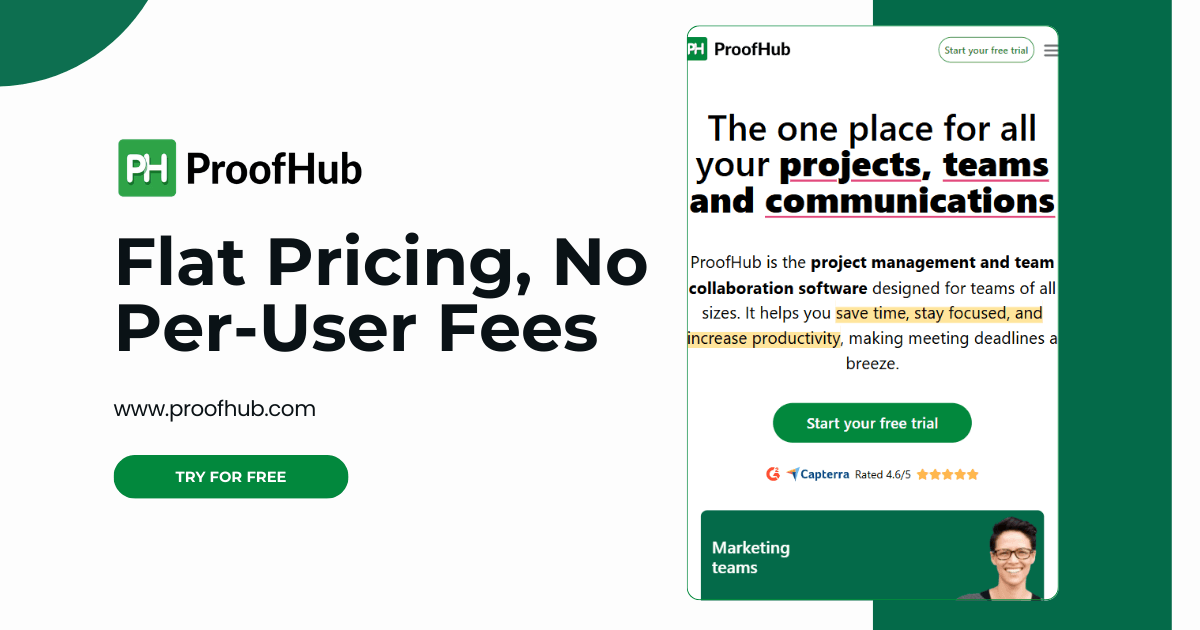
ProofHub is an online project management software focused on simplicity, clarity and efficient team collaboration. Thanks to its intuitive interface and core features, it is suitable for small to medium-sized teams.
It allows users to manage projects, assign tasks, communicate with team members and clients, and track progress using Gantt charts and tables.
Top ProofHub Features
- Project, task, and team management with role assignment
- Gantt charts for better visualization
- Communication via discussions, chat, and notes
- Calendar with task planning and notifications
- Centralized document sharing and management
- Time tracking and reporting
ProofHub Pros and Cons
+ Simple and intuitive interface
+ No need for integrations with additional tools
+ Wide range of project management features
+ Pricing is per team, not per user
− Lacks advanced process automation
− Limited integrations
− Slower performance with larger projects
ProofHub Target Audience
ProofHub is ideal for marketing teams, agencies, designers and HR departments that want to keep tasks, communication and files in one place without complex setup. It is suitable for companies that do not require technical tools but are looking for a simple system for team collaboration.
5. Basecamp
Basecamp is one of the project management programs. A simple project tool designed for small teams, agencies and freelancers who want to keep tasks, communication and files clearly organized in one place. It allows users to manage projects using task lists, discussion boards, calendars, and an internal chat.

Top Basecamp Features
- Task and to-do list management
- Discussion boards and group chats
- Document and file sharing
- Calendar with task and meeting planning
- Notifications, progress tracking, and reports
- Expense tracking
Basecamp Pros and Cons
+ Simple and intuitive to use
+ Fixed-price package
+ Web and mobile applications
− Not suitable for large companies or corporations
− Limited customization options
− Insufficient reporting features
Basecamp Target Audience
Basecamp is ideal for small teams, agencies and freelancers with up to 20 people who want a simple tool for organizing tasks, communication and file sharing without unnecessary administration. It is especially suitable for marketing, design, development and consulting.
6. Teamwork
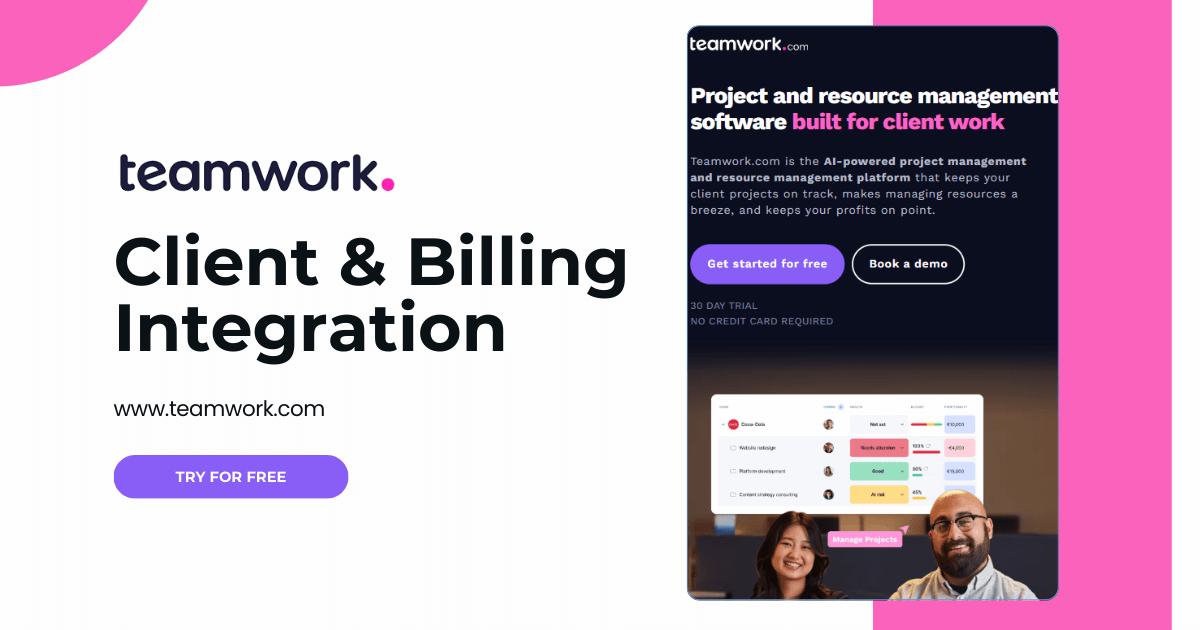
Teamwork is a comprehensive project management software focused on project management for companies of all sizes. It enables flexible task management, communication, and resource management, making it a powerful tool for advanced users.
Top Teamwork Features
- Task and project management
- Gantt charts and timelines
- Document and file sharing
- Team communication and comments
- Calendar with task and meeting planning
- Time tracking and reporting
- Integrations with tools such as Slack, Google Drive, Dropbox and Zapier
- AI-powered features
Teamwork Pros and Cons
+ Wide customization options for different project types
+ Supports agile project management (strong reporting)
+ Integrations with other software
+ Mobile and desktop applications
− More complex interface for beginners
− Minimum of 5 users per plan
Teamwork Target Audience
Teamwork is ideal for medium-sized and larger teams that require a detailed project management tool, including support for agile methodologies. It is well suited for companies in marketing, IT development, creative agencies and customer support that require detailed planning, project control and effective communication.
7. Nifty
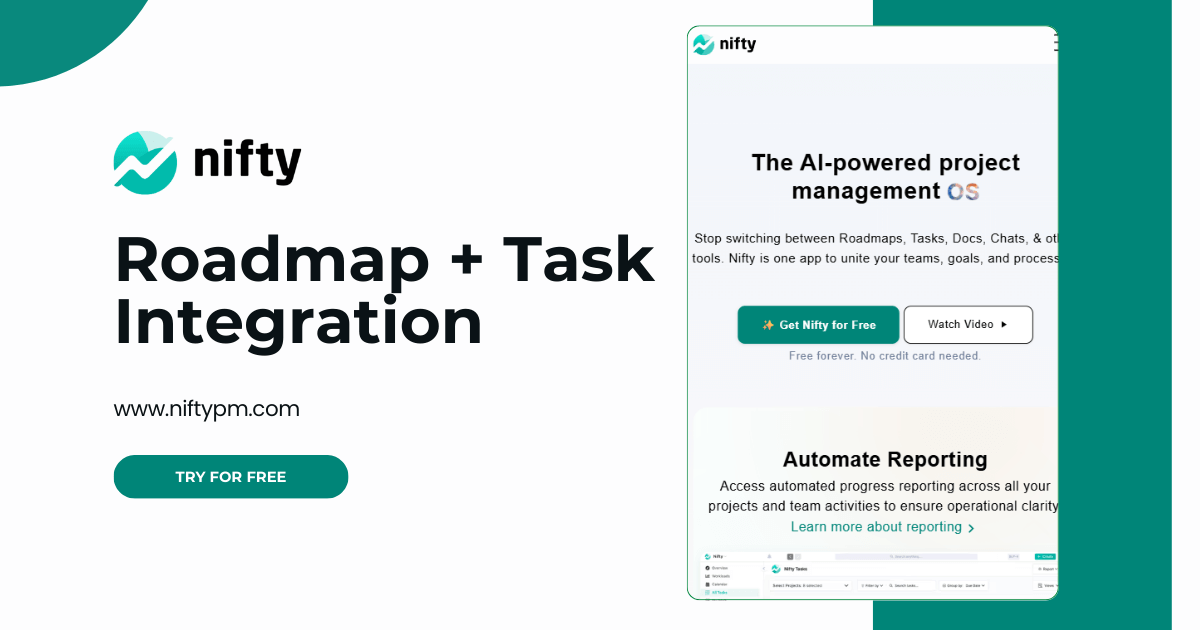
Nifty is a modern management tool that combines agile project management, communication, and planning in a single, clear interface. The goal of the software is to simplify team collaboration while also providing advanced project management features.
Nifty stands out as one of the few project management tools that offers integration with GitHub, enabling efficient collaboration between developers and the rest of the team.
Top Nifty Features
- Gantt charts and Kanban boards
- Task and team goal management
- Team communication via chat and discussions
- Document collaboration and file sharing
- Time tracking and team performance monitoring
- AI-powered features
Nifty Pros and Cons
+ Modern and clean interface suitable for hybrid teams
+ Mobile and desktop applications
+ Supports agile project management
− Advanced features available only in higher-tier plans
− Limited integrations
Nifty Target Audience
Nifty is suitable for project managers and teams in areas such as IT development, marketing, design or product management that work in an agile way and need to keep tasks, teams and communication under control in a single tool. It is ideal for agencies and companies managing multiple projects simultaneously.
8. Wrike
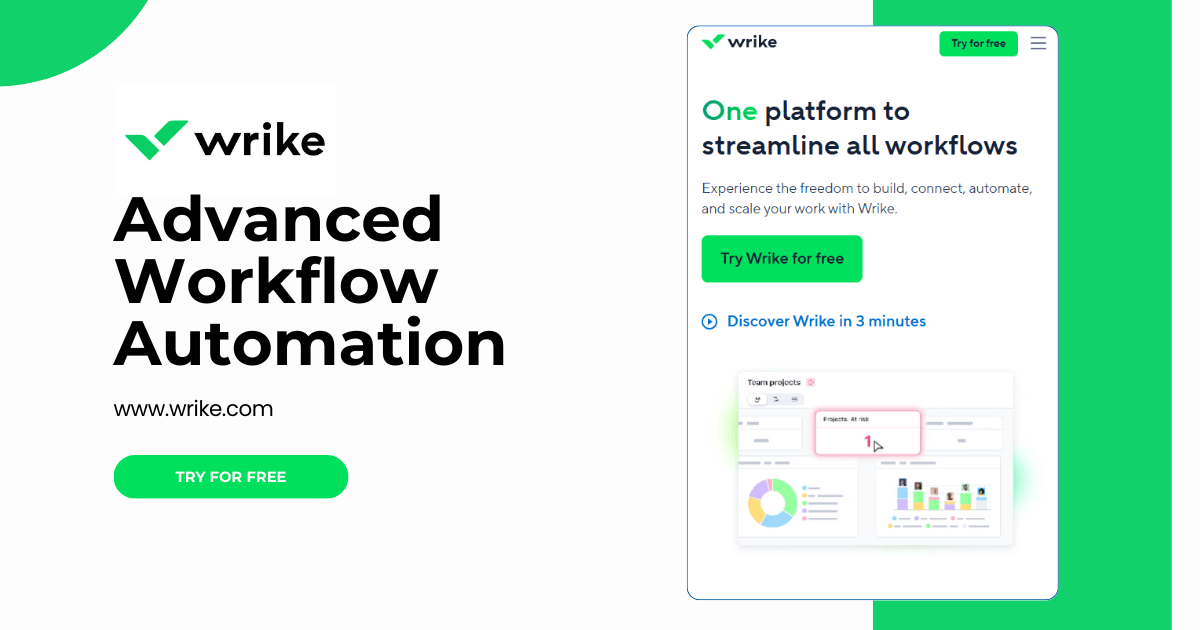
Wrike is a cloud-based project management platform that helps teams plan, track and coordinate daily workflows. It is suitable for companies that need detailed control over budgets, deadlines and cross-department collaboration. A key strength of Wrike is its integration with commonly used tools and the ability to turn emails directly into tasks.
Top Wrike Features
- Clear task and project management
- Process automation and report creation
- Online project management
- Integrations with tools such as Zoom and Slack
- Customizable dashboards and Gantt charts
- Collaboration and file sharing
Wrike Pros and Cons
+ Flexible and customizable tool for various industries
+ Strong analytics and reporting capabilities
+ Extensive integrations
+ Suitable for larger teams and complex projects
+ Web, desktop and mobile applications
− More complex for new users
− Advanced features are available only in higher-priced plans
Wrike Target Audience
Wrike is suitable for medium-sized and large companies in areas such as marketing, IT, development, manufacturing or logistics that manage multiple projects simultaneously. It is especially valued by project managers and teams of more than 10 members that require professional goal planning, advanced reporting and efficient cross-department collaboration.
9. ClickUp
ClickUp is a versatile project management software designed for teams of all sizes that brings tasks, documents, chat, goals and reporting into a single tool. It allows teams to customize their project management approach according to their needs, from simple to-do lists to advanced workflows. It is used by companies in areas such as IT, marketing, design, HR and product management.
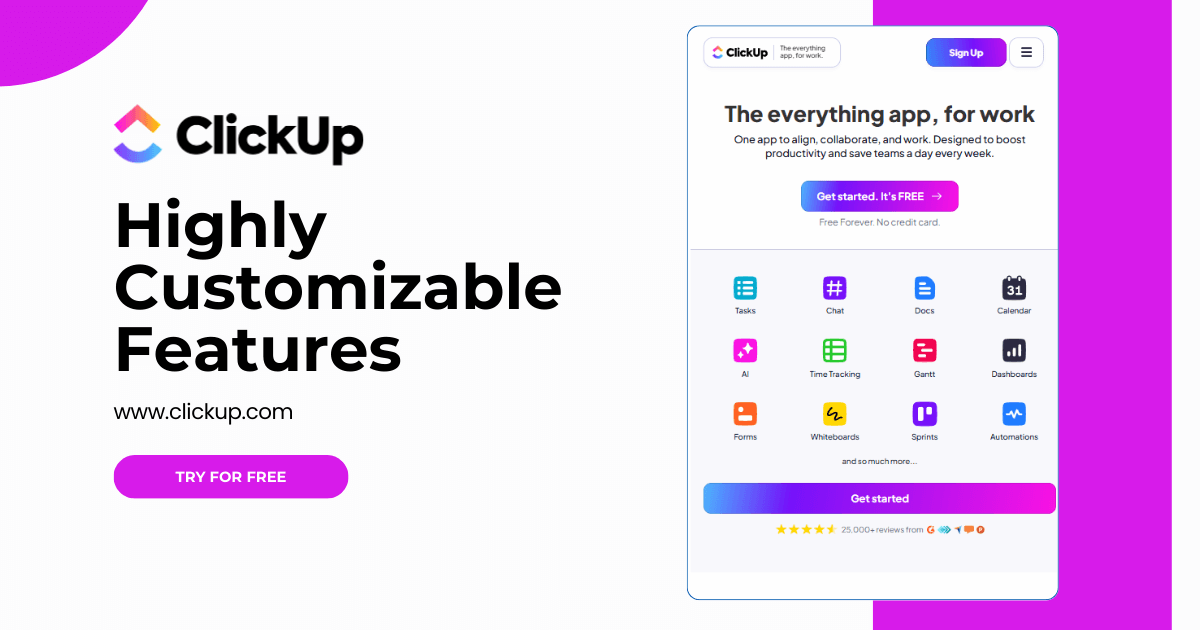
Top ClickUp Features
- Creation of custom workflows and task types
- Responsibility assignment and status tracking
- Capacity management, KPIs, and team workload tracking
- AI-powered task and deadline management
- Support for agile project management (sprints, roadmaps)
- Time tracking and financial project management
ClickUp Pros and Cons
+ High level of customization
+ Strong reporting features for managers
+ Ideal for teams using agile methodologies
+ Integrations with tools (Slack, Google Drive, GitHub, Zoom)
− More complex for new users
− Higher onboarding and training requirements
− Advanced features available only in higher-tier plans
− Mobile version has fewer features than the desktop version
ClickUp Target Audience
ClickUp is ideal for medium-sized teams and fast-growing companies in areas such as IT, marketing, design and HR that manage multiple projects simultaneously. It is most commonly used by teams of 5 to 100+ users who want tasks, communication, documents, and reporting in one tool.
10. Asana
Asana is one of the most well-known project management tools in the world, used by thousands of teams to organize work and collaborate more efficiently. It allows teams to easily plan, assign, and track tasks in both small and large projects. Thanks to its clean and intuitive interface, it adapts to different types of teams, especially in areas such as marketing, software development, HR and administration.
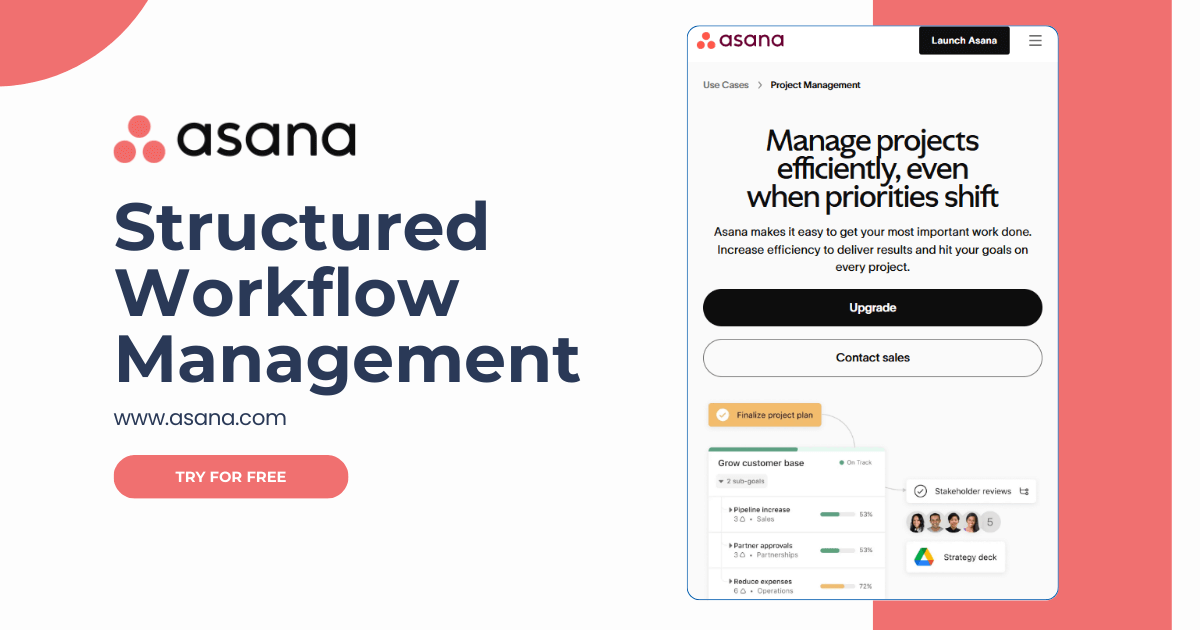
Top Asana Features
- Project management via lists, Kanban boards or timelines
- Custom fields for tracking specific data (e.g., client, priority, status)
- Team conversations and notifications
- Integrations with other tools (Slack, Google Drive, Zoom, etc.)
- Clear dashboards and strong reporting
Asana Pros and Cons
+ Intuitive interface and ease of use
+ Flexible views based on the team’s working style
+ Ability to customize tasks using custom fields
+ Strong integrations with popular tools
− Some advanced features are available only in paid plans
− Higher cost of premium plans for smaller teams
− Does not support Scrum functionality
Asana Target Audience
Asana is ideal for small to medium-sized teams in areas such as marketing, IT, HR, administration or creative industries that need efficient task planning and tracking. It is suitable for companies that want to simplify team collaboration and maintain project visibility without complex setup.
11. Jira
Jira is an advanced project management software designed primarily for teams using agile project management and for software developers. It is built to support Scrum and Kanban methodologies, offering detailed visibility into tasks, sprints, bugs, and overall progress in real time.
Jira allows extensive customization and integration with many other tools via APIs, making it a top solution for technically oriented teams.
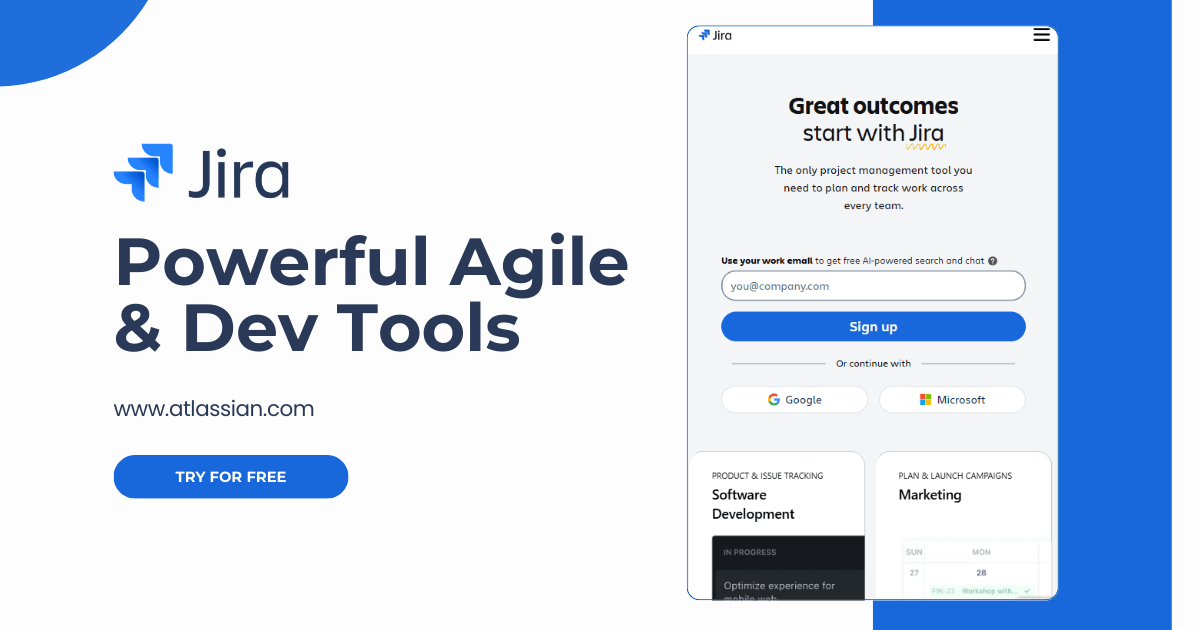
Top Jira Features
- Agile project management (Scrum, Kanban)
- Advanced task tracking
- Bug and issue tracking
- Reports and overviews
- AI-powered features
- Extensive API integrations with other software
Jira Pros and Cons
+ Highly customizable tool for development teams
+ Strong support for agile project management
+ Numerous analytics features and reports
+ Integrations with many developer tools
− More complex to use for non-technical users
− Can be demanding to implement and train
Jira Target Audience
Jira is designed for development teams and technology companies that require advanced project management, bug tracking and technical integrations with other tools.
12. Hubstaff Tasks
Hubstaff is a project management and time-tracking software that combines agile project management with automation. It is suitable for companies that want to maintain visibility into team efficiency, tasks and time spent on individual projects. In addition to project management, it also enables simple performance reporting and remote team management.
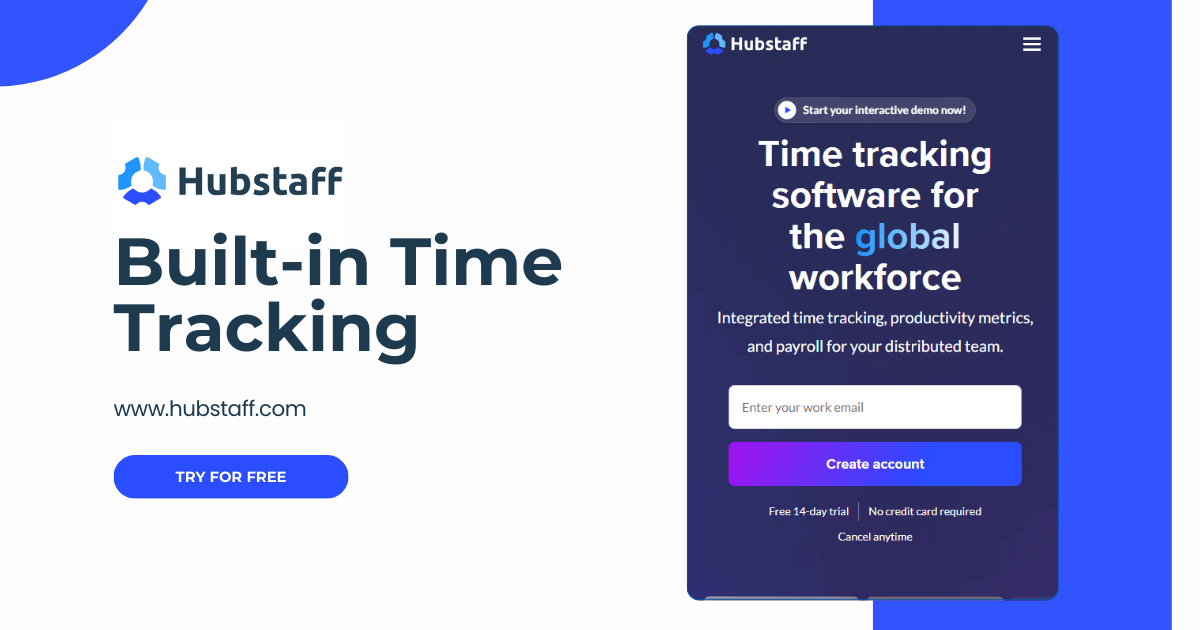
Top Hubstaff Tasks Features
- Agile project management with task prioritization
- Kanban boards and to-do lists
- Automated stand-ups and reports
- Task commenting and project status sharing
- Integrations with tools such as Hubstaff, Trello, Asana, Jira, and GitHub
Hubstaff Tasks Pros and Cons
+ Effective project time tracking
+ Well suited for remote teams
+ Automated overviews and a simple interface
+ Mobile and desktop applications
− Fewer features for advanced process planning
− Advanced features available only in higher-tier plans
− Limited reporting and dashboard options
Hubstaff Tasks Target Audience
Hubstaff Tasks is ideal for medium-sized companies, agencies and startups that work with remote teams or have field-based employees. It is most commonly used by companies in areas such as IT services, customer support, marketing, administration and technical services, where time tracking, productivity monitoring and work reporting are essential.
13. Monday
Monday is a modern project management software that simplifies collaboration, planning, and task tracking within teams. It allows users to create clear project boards, assign responsibilities and visualize workflows using timelines, Kanban boards and calendars.
It is suitable for teams of various sizes and industries and supports integrations with tools such as Slack, Google Drive and Microsoft Teams. In addition, automations help save time on repetitive tasks.
Top Monday Features
- Visual task views (Gantt charts, Kanban boards, calendar)
- Customizable boards and workflows
- Automation of repetitive tasks
- Integrations with tools such as Google Workspace, Slack, and Microsoft Teams
- Clear dashboards and reporting
Monday Pros and Cons
+ Intuitive and highly visual interface
+ Flexible workflow customization
+ Strong automation capabilities
+ Mobile and desktop applications
− Higher cost for larger teams
− Greater onboarding and training requirements
− Limited offline functionality
Monday Target Audience
Monday is ideal for project, marketing, IT, product, HR and sales teams that need visibility into work, resources and performance. For larger organizations, it also offers advanced user role management, analytics, reporting and scalability within enterprise solutions.
14. Productive
Productive is an all-in-one agency management platform designed to help service businesses manage projects, resources, budgets, and profitability from a single workspace. Combining project management, time tracking, CRM, resource planning, and financial management, it gives agencies complete visibility into their operations while helping teams deliver projects on time and within budget.
Top Productive Features
- Project and task management
- Resource planning and workload management
- Time tracking and timesheets
- Budgeting and profitability tracking
- Sales CRM and pipeline management
- Invoicing and financial reporting
- AI-powered insights and automations
- Integrations with Slack, Google Workspace, Jira, Zapier, Xero, QuickBooks, and
more
Productive Pros and Cons
+ Comprehensive agency management platform with built-in financial tools
+ Excellent resource planning and capacity management
+ Powerful reporting for budgets, profitability, and utilization
+ Combines CRM, project management, and billing in one platform
− Can take time to configure due to its broad feature set
− More suitable for service businesses than general-purpose project management
Productive Target Audience
Productive.io is best for agencies and professional service teams that need to manage projects, resources, time, and profitability in one platform.
How to Choose the Right Project Management Tools?
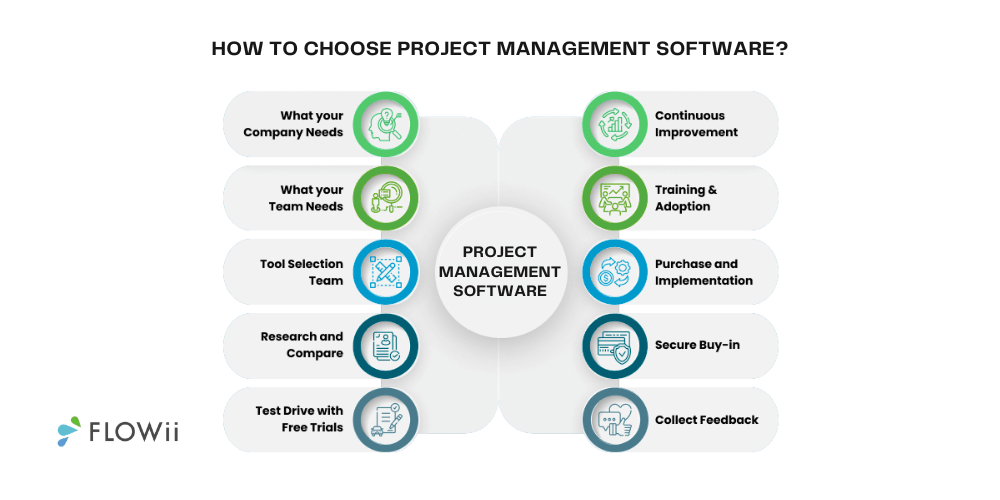
Before selecting a project management software, ask yourself a few basic questions:
- What types of projects will I manage? (Fast-turnaround or long-term projects)
- How many people will use the tool and how often?
- Do I need only task planning or also budget management, reporting and documentation?
- Is the online project management platform compatible with the tools we already use?
- Is it possible to try the software for free?
- What is my budget?
- Is a task planning application more suitable for you or do you prefer a simple web-based task planning tool?
- Are my employees sufficiently skilled and able to handle more complex systems?
If you’re not sure where to start, contact the sales team for more details about the solution or simply start with a free trial.
What Are the Key Features of Project Management Software?
A good project management software should cover all the main areas of project management - from planning to project evaluation. A simple project plan helps structure tasks, assign responsibilities, and set clear timelines, ensuring smoother project execution.
When choosing the right tool for your team, focus on the following features:
- Task management – the ability to create, assign, and track tasks.
- Scheduling – work planning and clear visibility into project status and time to completion through calendars, Gantt charts or timelines.
- File sharing – quick access to documents and easy sharing within the team.
- Communication – internal chat, task comments or team discussions for fast issue resolution.
- Reports and overviews – visual statistics on project status, team progress and resource utilization.
- Budget tracking – expense control and strategic cost planning to ensure project profitability.
- Invoicing – issuing invoices directly from projects, visibility into paid and unpaid invoices and automated reminders.
By focusing on these key areas when selecting a project management tool, you can objectively assess whether the software meets your team’s needs and contributes to more efficient operations.
Why Use Project Management Software?
Too many tasks, too little visibility. Here are the key benefits of using project management software.
- Clear task organization
- Better team collaboration
- Time and deadline tracking
- Improved productivity
- Centralized communication
- Real-time project overview
- Fewer missed tasks
- Better resource planning
Still unsure? Keep reading — at the end, we’ll show you five of the best project management solutions on the market.
How Much Does Project Management Software Cost?
According to current statistics, the average price of project management software varies depending on company size and the range of features.
For small businesses, the average monthly cost per user is $4 - $15. For medium-sized companies, the amount increases to approximately $7 - $30 per user per month.
Key Takeaways
What is the best project management software? It is not just about leading a team to complete a project, but a structured approach to planning, organizing, and delivering objectives within defined constraints such as time, budget, scope, and resources. Because every project is unique, project management focuses on solving problems even when clear instructions do not exist.
Here’s our pick of the best tools for entrepreneurs.
| Main Needs | Recommended Project Management Systems |
| Small or medium-sized business with up to 20 employees looking for a simple and clear CRM tool for project management | FLOWii |
| Teams focused on visual task management using agile methodologies such as Kanban boards | Trello for smaller companies / Nifty for larger companies |
| Software development companies with an agile management approach | Jira |
| Medium-sized and larger teams that require advanced reporting, resource management, and integrations | Monday for teams needing flexible integrations / Teamwork for teams using agile methodologies |
May your new project management software ensure smooth project execution and support the growth of your business. Plan better with FLOWii.