Are your tools helping your business grow or slowing it down?
CRM integration brings your sales, invoicing, and communication into one synchronized system, so your team works faster and with fewer mistakes. With FLOWii CRM, your core processes run in one place, while more complex workflows are supported by popular integrations.
Let’s break down how CRM integration transforms the way your business runs.
Key takeaways
- CRM integration creates a single source of truth across your business
- Aligned sales, marketing, and finance lead to faster decisions and better results
- Better data visibility improves performance and decision-making
- Simpler systems reduce costs and support scalability
What is CRM integration?
CRM integration is the process of connecting your CRM system with other business applications to enable seamless data exchange, unified workflows, and real-time access to customer information.
Instead of working with isolated data, teams operate within a connected environment where all departments share the same up-to-date records.
Examples in practice:
- When a deal is closed, the system automatically generates an invoice, updates revenue, and notifies the finance team without manual input
- Leads from your website are instantly captured and assigned, enabling faster follow-ups and higher conversion rates
- Payments are automatically matched with invoices, giving you real-time visibility into cash flow
The importance of CRM integration
Most companies rely on disconnected platforms that were never built to work together, leading to inefficiencies and lost information.
When sales, finance, invoicing, and communication are aligned, teams gain clear visibility, eliminate repetitive work, and respond faster.
For SMBs, the goal is simple: operate efficiently without adding complexity. That's why many choose solutions like FLOWii that unify core business processes instead of layering more integrations.
1. Clean and reliable business data
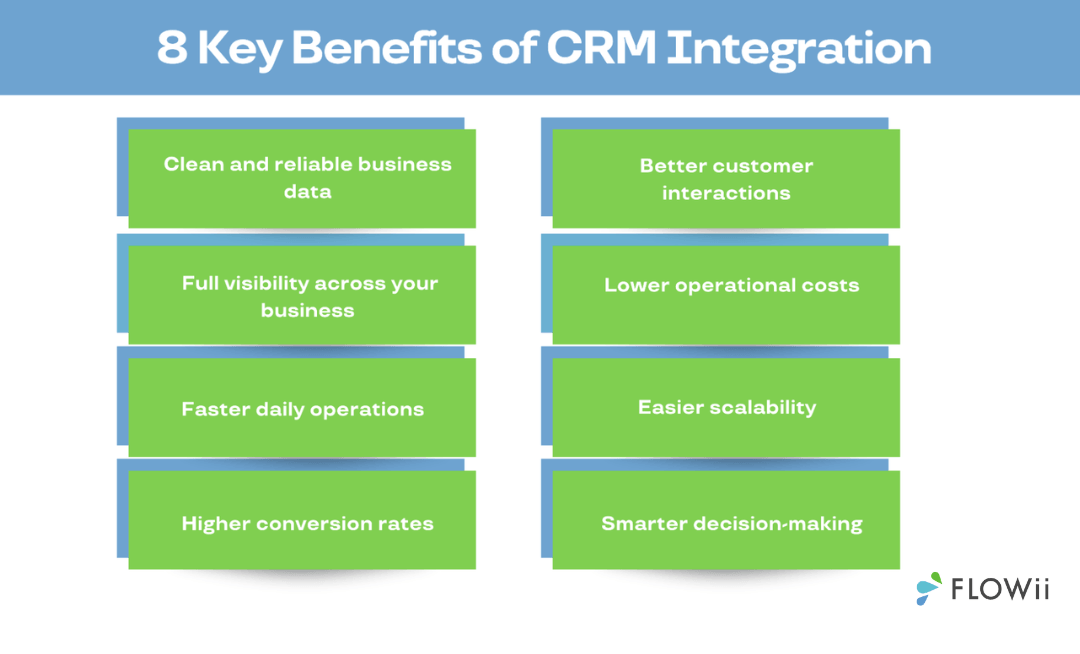
With tools working together, data stays accurate without manual updates. Everyone works with the same information, reducing errors and confusion. This eliminates duplicates and ensures every team uses the same up-to-date data.
2. Full visibility across your business
From the first touchpoint to payment, everything is easy to track, including financial data from an ERP system, so nothing gets lost between sales and finance. This level of insight helps identify bottlenecks, evaluate performance, and understand where your revenue is coming from.
3. Faster daily operations
Repetitive tasks are handled through automation. Less time is spent syncing contacts or managing email campaigns, leaving more space for revenue-generating work. Teams can focus on high-impact activities instead of routine admin tasks.
4. Higher conversion rates
Timing matters. Leads are captured and followed up instantly, increasing the chances of turning them into paying customers. Well-managed pipelines and timely responses directly improve results.
5. Better customer interactions
Every conversation is backed by context. Previous interactions, purchases, and requests are always available, leading to more relevant communication.
This creates a more consistent and professional experience across every touchpoint. It also reduces misunderstandings and improves response quality. Customers feel understood, which builds trust and long-term relationships.
6. Lower operational costs
Fewer tools, fewer errors, and less manual work reduce overall costs. There is no need to maintain multiple disconnected solutions or fix constant issues. Over time, this significantly lowers both software expenses and internal workload.
7. Easier scalability
As the business grows, processes remain under control. More customers and transactions can be handled without adding chaos to daily operations. This makes it easier to scale without constantly rebuilding your setup.
8. Smarter decision-making
With all data in one place, it becomes clear what works and what doesn’t. Decisions are quicker and based on real performance, not assumptions.
This helps prioritize the right opportunities and avoid costly mistakes. It also makes it easier to identify trends early and adjust your strategy before problems grow. Over time, this leads to more predictable and sustainable growth.
What are the pros and cons of CRM integration?
| Pros | Cons |
| Improved data accuracy across all tools | Complex setup for multiple integrations |
| Automated workflows reduce manual work | Higher costs for development and maintenance |
| Better visibility into customers and operations | Data syncing issues if not properly configured |
| Faster decision-making with real-time data | Dependency on multiple tools and vendors |
| Scalability as your business grows | Security risks when connecting multiple systems |
Integrations improve efficiency but often add complexity, which is why many SMBs prefer solutions like FLOWii with built-in features.
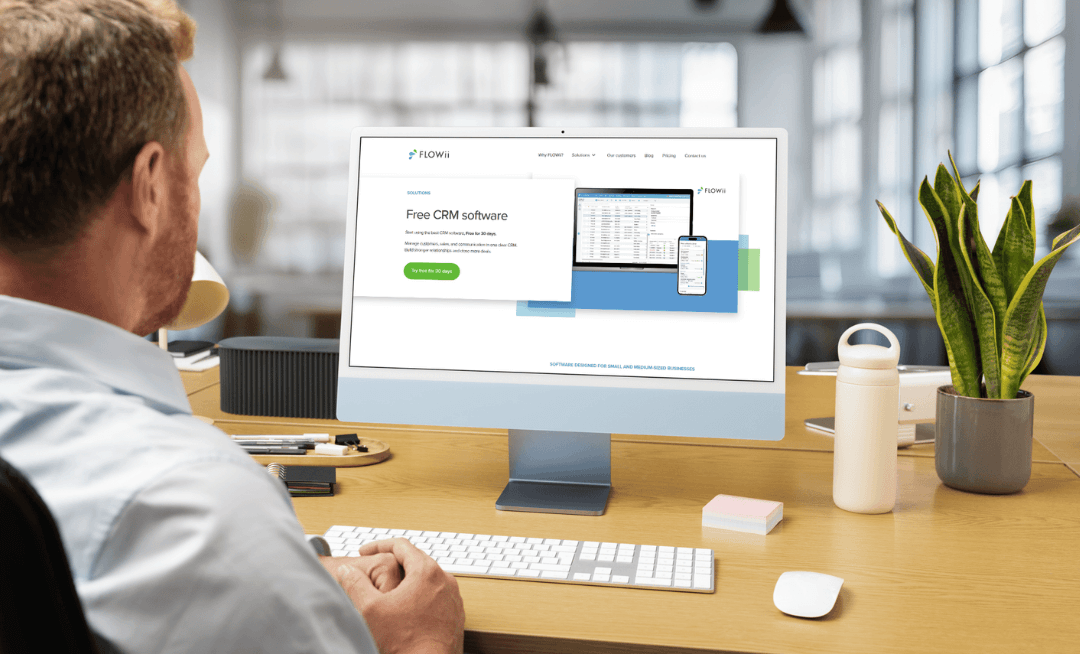
What are the types of CRM integration?
Not every integration solves the same problem. As your business grows, so does the number of tools you rely on. Without the right connections, information stays fragmented and teams lose time switching between systems instead of focusing on customers.
- CRM marketing integration
Integrate with tools like Mailchimp or ActiveCampaign to run campaigns and automate communication.
Instead of sending generic emails, you can segment your audience, react to real behavior, and trigger actions automatically. For example, when someone interacts with your campaign, you can instantly assign the lead or start a follow-up sequence.
- CRM sales integration
Link your workflows with communication platforms such as CloudTalk or RingCentral to handle calls and interactions efficiently.
Your team can contact prospects directly, track every conversation, and access full customer history without switching tabs. This leads to quicker responses, better context, and higher chances of closing deals.
- CRM customer service integration
Connect your CRM with support tools like Zendesk or Freshdesk to manage customer requests efficiently. For more complex workflows, Exalate can keep CRM and support data synchronized, so customer details, tickets, and status updates stay consistent across systems.
All tickets, messages, and customer interactions are centralized, helping your team respond faster and deliver more personalized support.
- CRM communication integration
Link your CRM with platforms like Slack or Microsoft Teams to streamline internal communication.
Receive real-time updates, notifications, and alerts directly in your channels, keeping your team informed and responsive.
- CRM scheduling integration
Connect with tools like Calendly or Google Calendar to manage meetings and bookings.
Appointments are scheduled automatically and synced with your CRM, reducing manual work and improving customer experience.
- CRM e-commerce integration
Track purchases, transactions, and revenue by connecting to your e-commerce CRM system, such as Shopify, WooCommerce, or Stripe.
Every order, payment, and customer interaction is automatically captured and structured, giving you a complete view of the buying journey.
This enables your team to make data-driven decisions, identify high-value customers, and optimize sales performance.
- CRM finance integration
Connect your setup with accounting tools like QuickBooks or Xero to keep financial data accurate and up to date.
Invoices, payments, and transactions are synchronized automatically, reducing errors and administrative effort. You also gain instant insight into revenue and expenditure, helping you make better financial decisions.
What is the cost of CRM integration?
The cost of CRM integration depends on the complexity of your setup and the number of connected systems. Most small businesses invest around €3,000–€10,000, while more advanced setups can reach higher depending on customization and integrations.
Costs increase when you start integrating multiple systems such as accounting, call center software, or e-commerce platforms, especially if custom development and data migration are required.
You should also consider ongoing costs such as maintenance and updates.
How can you implement CRM integration into your system?
Most businesses don’t fail because of the tools they choose. They fail because they underestimate how complex integrations become over time.
A successful CRM integration starts with a clear plan and the right steps:
- Identify which tools you want to connect, such as accounting, invoicing, communication systems, or task management tools.
- Define what data should sync, including contacts, deals, or invoices.
- Choose the right method, whether it’s native integrations, automation tools, or a direct API connection.
- Use APIs for advanced setups to enable secure data exchange and automation (FLOWii allows API-based automation and custom workflows).
- Test the integration before launch to ensure everything works correctly.
What are the different CRM integration methods?
A CRM can connect with other tools in several ways. The right choice depends on your tech skills, flexibility needs, and how complex your workflows are.
Built-in connectors (native integrations)
Prebuilt integrations provided directly by the CRM vendor.
They are the fastest to set up, require little to no technical knowledge, and offer high reliability and security. Best for standard use cases, but usually limited in customization.
Connector apps (i.e. Zapier, Make, Workato)
Third-party tools that connect multiple apps without coding.
They are flexible, quick to deploy, and ideal for automating workflows across different platforms. Perfect for small to mid-sized businesses, but can become costly or limited with complex processes.
iPaaS platforms (integration platforms)
Advanced cloud-based integration solutions for scaling businesses.
They allow you to connect CRM, ERP, and other systems across cloud and on-premise environments. Ideal for handling large data volumes, complex workflows, and enterprise-level automation with better control and scalability.
Custom-built integrations (API)
Fully tailored integrations developed using APIs.
They offer maximum flexibility and can match exact business needs. However, they require developer resources, ongoing maintenance, and can break if systems change—best suited for complex or unique requirements.
Why choose FLOWii CRM?
Most businesses deal with too many platforms, repetitive work, and scattered information that slows everything down.
FLOWii removes this friction by combining CRM, invoicing, finance, task management, and automation into one streamlined environment, with built-in connections to banks and invoicing processes.
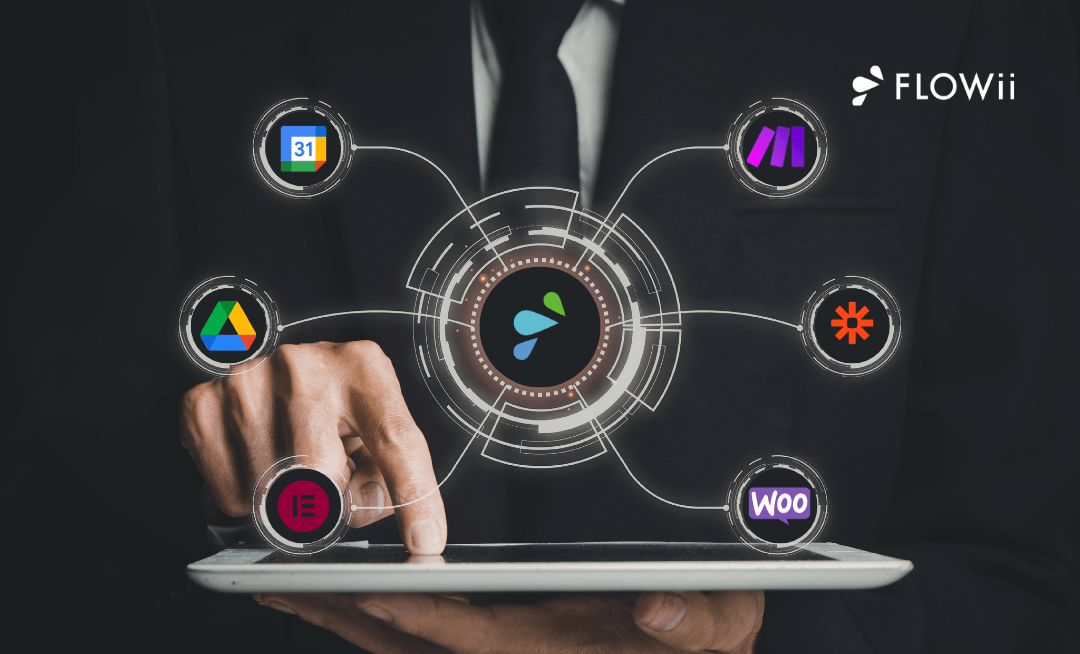
It also integrates with:
- Automation tools like Make or Zapier.
- E-commerce and website platforms such as WooCommerce or Elementor.
- Form tools like Contact Form 7.
- Banks such as Tatra banka, Raiffeisen Bank, or ČSOB.
Case study: FLOWii customers often connect FLOWii with accounting tools or banking apps to keep invoices, payments, and financial data in sync. This helps reduce manual work, improve accuracy, and gives teams a clearer view of cash flow and business performance.
Conclusion
Growth brings more tools, more data, and more moving parts. Smart CRM integration helps you align processes, streamline workflows, and stay in control of your sales and operations.
Start your 30-day free trial and see how a connected setup can simplify your business before committing.
FAQ
What is CRM software integration?
CRM software integration connects your small business CRM with other business applications, allowing information to flow automatically across systems. This eliminates manual work and keeps teams aligned.
What is an example of CRM integration?
- Email integration (e.g. Outlook or Gmail) to sync emails, contacts, and communication history
- E-commerce integration (e.g. Shopify) to track orders, customers, and revenue
- Accounting integration (e.g. QuickBooks) to sync invoices, payments, and financial data
- Marketing tools (e.g. Mailchimp) to automate campaigns and track engagement
- Customer support tools (e.g. Zendesk) to manage tickets and customer interactions in one place
How to choose a CRM for direct mail integration?
Look for a CRM that supports direct mail integration or includes built-in campaign management features.
You should be able to segment contacts, automate sending, and track responses to measure campaign performance. Strong reporting helps you improve targeting and ROI over time.
With FLOWii, you also get simple email automation, allowing you to create basic campaigns, send targeted messages, and keep communication with customers consistent and efficient.
How to evaluate CRM analytics integration options?
When evaluating CRM analytics integration options, focus on how effectively the system collects and processes data into meaningful insights. Strong CRM analytics should provide real-time visibility, allowing your team to make faster and more informed decisions based on up-to-date information.
Equally important is how CRM analytics presents the data. Look for customizable reports, clear dashboards, and the ability to combine multiple data sources automatically. This ensures better performance tracking, deeper insights, and less manual work for your team.
How does CRM integration improve data consistency?
It ensures information is synchronized across systems.
This reduces duplication, minimizes errors, and keeps customer records consistent, no matter which platform your team uses.
How to fix CRM integration issues?
Start by identifying where the data flow breaks, whether it’s API errors, incorrect field mapping, or outdated connections.
Regular monitoring, proper setup, and a clear data structure are essential for preventing and resolving issues. It’s also important to regularly review integrations and update them as your systems and processes evolve.
How does CRM integration improve lead generation?
Capture and centralize leads from multiple sources such as websites, email campaigns, and social media.
With automated follow-ups and better tracking, businesses can increase conversion rates and improve overall lead management.
This also enhances the overall CRM experience, making every interaction more consistent and personalized.
What is CRM API integration?

Patrik Endlicher
Co-owner FLOWii
Patrik Endlicher is the co-owner of FLOWii, a system that makes it easier to manage small and medium-sized businesses globally.